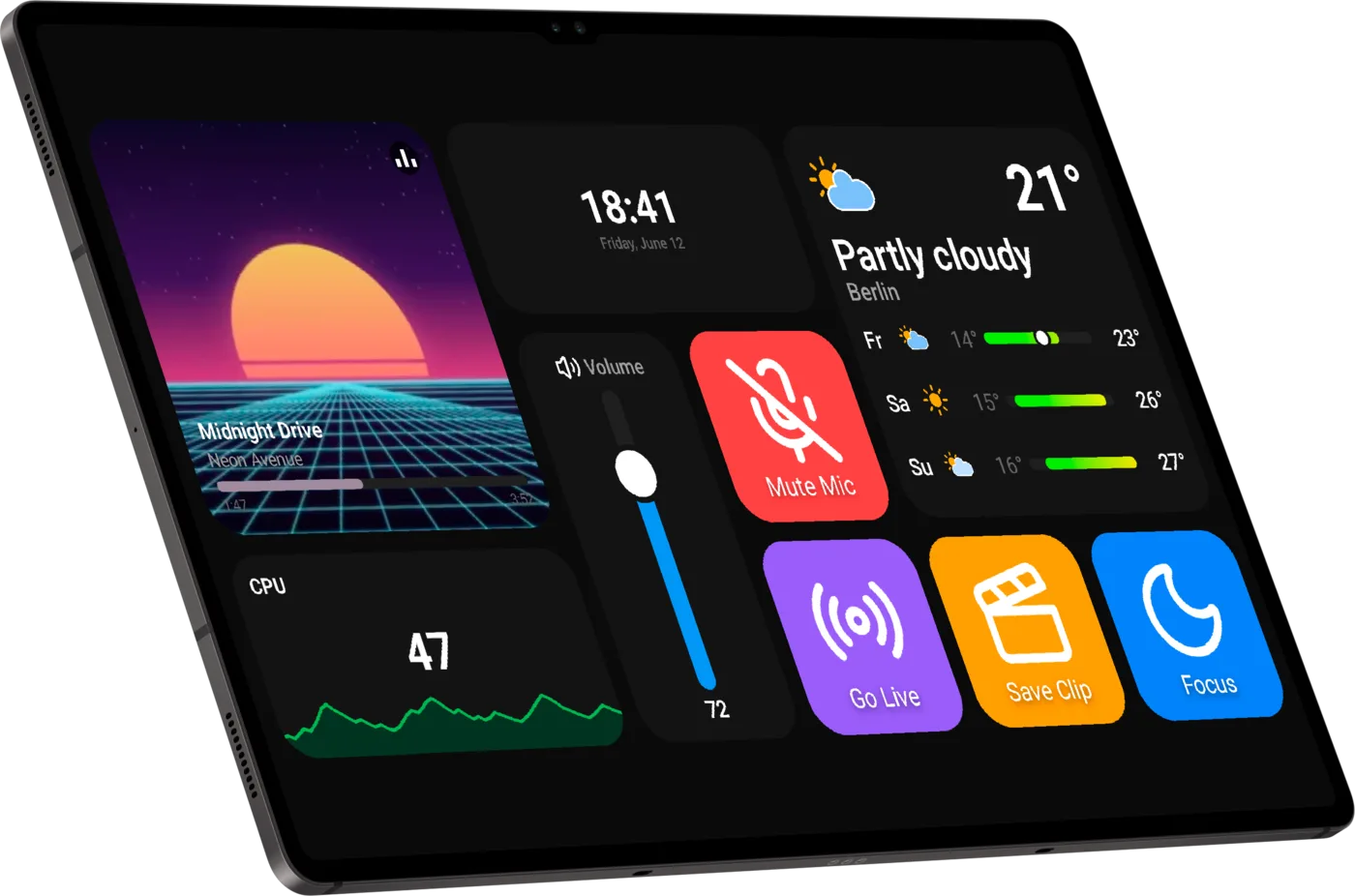
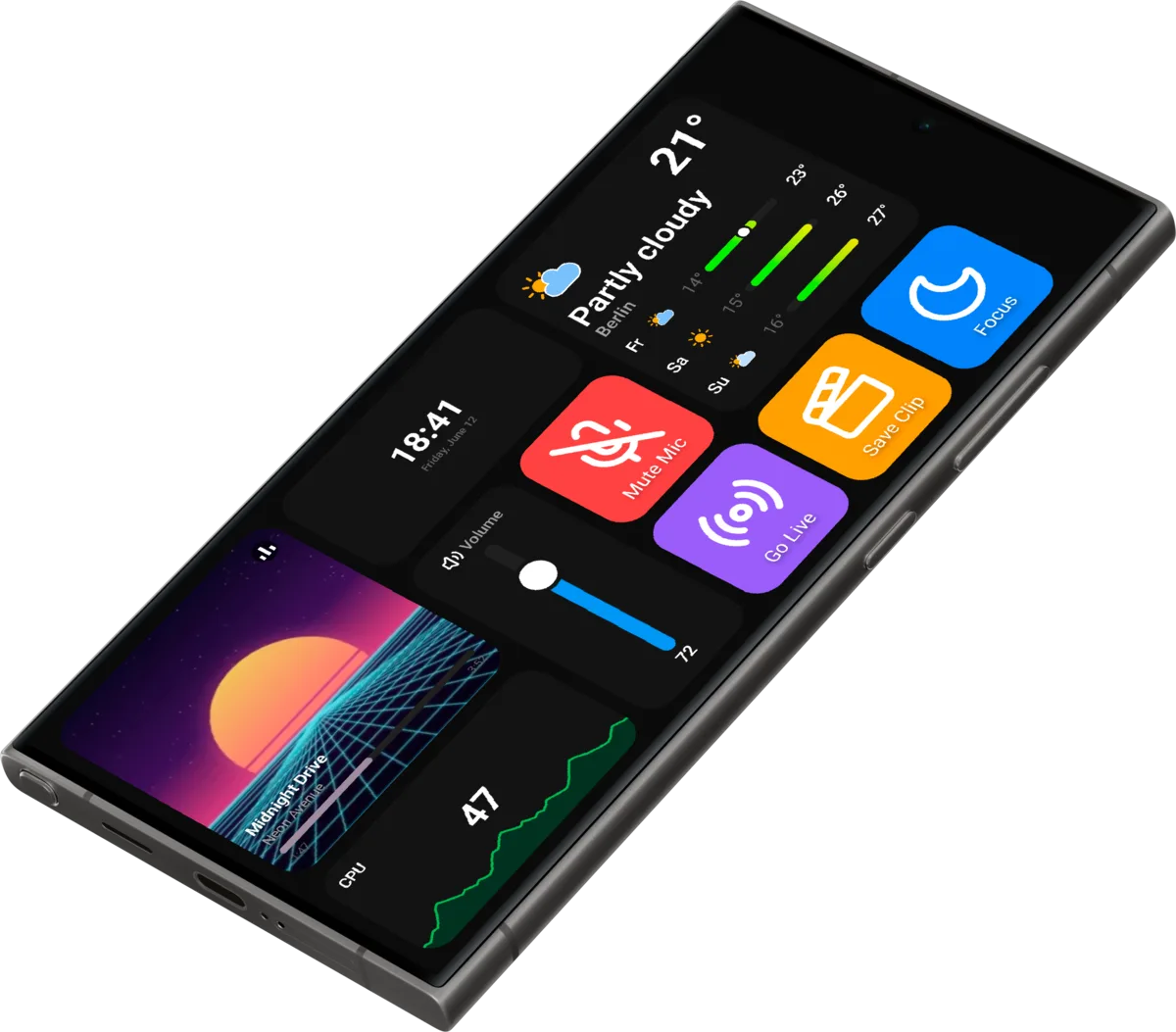
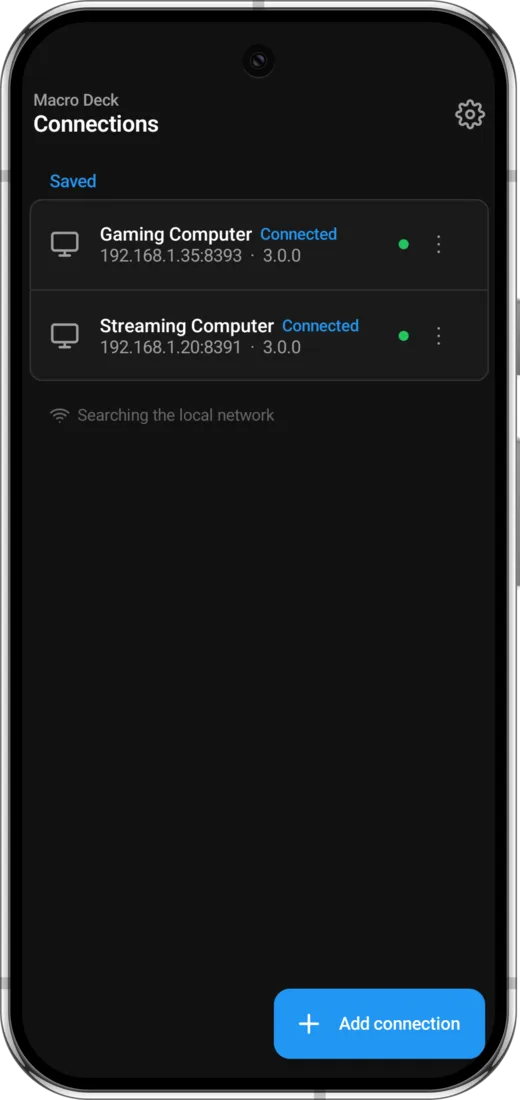
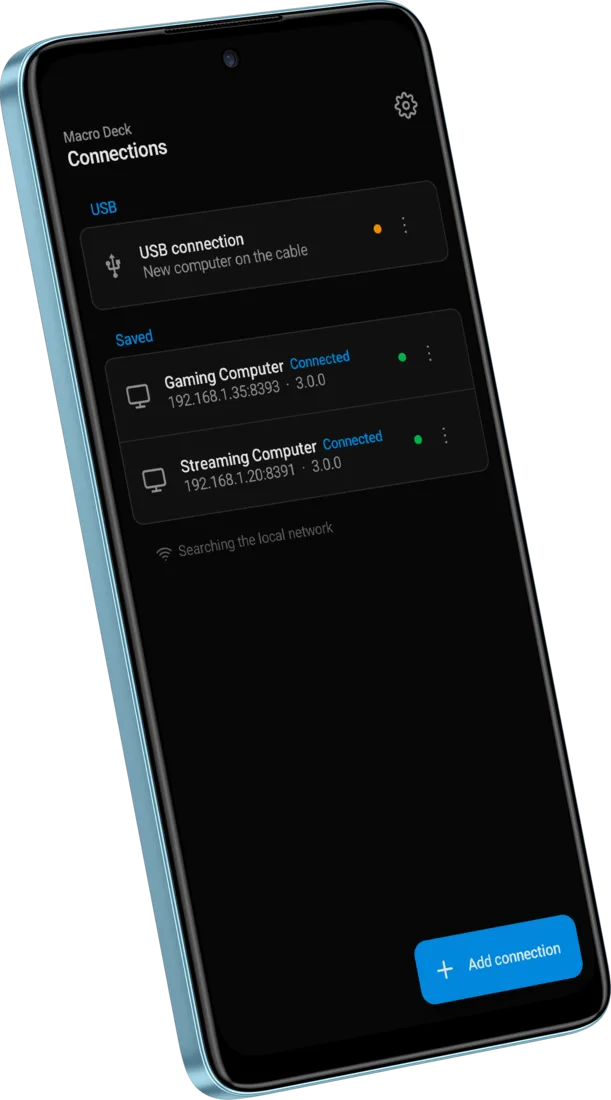
Macro Deck 3 comes with a new app for phones and tablets: the Macro Deck Companion app. It replaces the Macro Deck Client app, which only works with Macro Deck 2. The Companion app is available on Google Play and the App Store now.
Prefer the browser? Use the built-in web client
Macro Deck 3 has a new web client built in. You do not need the Companion app to get started: open your computer's Macro Deck 3 address in any browser on a phone or tablet in the same network and use your deck right there.
Trial and license
Macro Deck and its built-in web client are free and open source. The Companion app is an optional native app with its own license:
- Try it free for 7 days.
- After the trial, unlock it with a one-time purchase with lifetime access. There is no subscription and nothing is charged again.
- One license unlocks the app on both Android and iOS.
- The price is shown in Google Play or the App Store before you buy.
- The built-in web client stays free, with or without a license.
- The license helps fund the ongoing development and maintenance of Macro Deck.
Screenshots
What changes
- The Macro Deck Client app is no longer being developed. Macro Deck 2 is legacy.
- The Macro Deck Client app keeps working with Macro Deck 2, but it cannot connect to Macro Deck 3.
- To use a phone or tablet with Macro Deck 3, use the Macro Deck Companion app or the built-in web client.
Bought the Macro Deck Client app on the App Store?
Your purchase is not lost. You will be able to transfer it to Macro Deck 3 on your computer and use the Companion app without buying it again.
- Install Macro Deck 3 on your computer and update the Macro Deck Client app to the latest version.
- Open the Macro Deck Client app on your iPhone or iPad and connect to your computer, or use its QR code scanner to scan the QR code shown in Macro Deck 3.
- Tap Transfer my purchase, check that the identity shown matches Identity in the connection panel of Macro Deck 3 and tap Identity matches, transfer.
Transferring a purchase becomes available with an upcoming Macro Deck 3 update and requires iOS 16 or later.
Staying on Macro Deck 2 for now?
That is fine. The Macro Deck Client app keeps working with Macro Deck 2, but it will not receive new features or fixes. Switching to Macro Deck 3 is recommended.